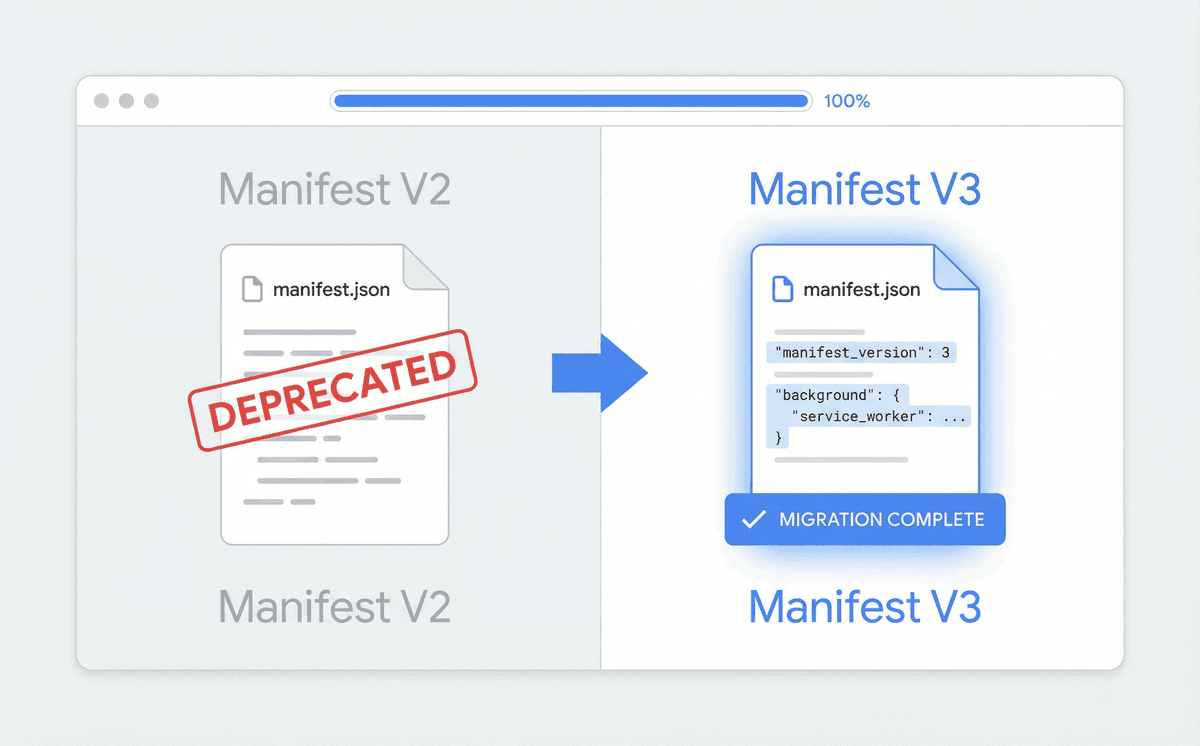
Manifest V3: A practical migration guide for extension developers
Step-by-step tips to move from V2 to V3 without breaking your users' experience—background scripts, permissions, and testing.
Chrome's Manifest V3 (MV3) is now the standard for new extensions and required for existing ones. Migrating from V2 can feel daunting—background pages become service workers, some APIs change, and the permission model is stricter. This guide walks you through the main changes and a practical migration path so you can ship without breaking your users' experience.
Background scripts: from persistent to service workers
In V2, background pages ran all the time. In MV3, the background is a service worker: it starts when needed and can be terminated when idle. Your code must assume it can be shut down at any time. That means no global state that you expect to persist—use chrome.storage instead. Also, avoid long-running timers; use alarms or other events to wake the worker when you need to run logic.
- Move one-time setup from background to a dedicated setup flow or options page.
- Use chrome.alarms instead of setTimeout/setInterval for recurring work.
- Persist any state your background needs in chrome.storage (local or session).
Permissions and host access
MV3 tightens host permissions and declarative net request. Declare only the host patterns you need, and prefer optional_host_permissions so users can grant access on demand. If you used webRequest in V2 to modify requests, you'll need to switch to declarativeNetRequest with a fixed set of rules (no dynamic blocking of arbitrary URLs at runtime). Plan your rule set and test it against real sites early.
Testing and rollout
Test on the V3 manifest in a separate unpacked build before you switch your store listing. Pay special attention to install/update flows, permission prompts, and any feature that depended on a long-lived background. Roll out to a small percentage of users first if you can, and monitor crash rates and support feedback. With these steps, your migration can be smooth and your users can keep enjoying your extension without surprises.
Ready to build?
Talk to BrowseRocket about custom Chrome extension development or AI browser automation.
Book a free consultation