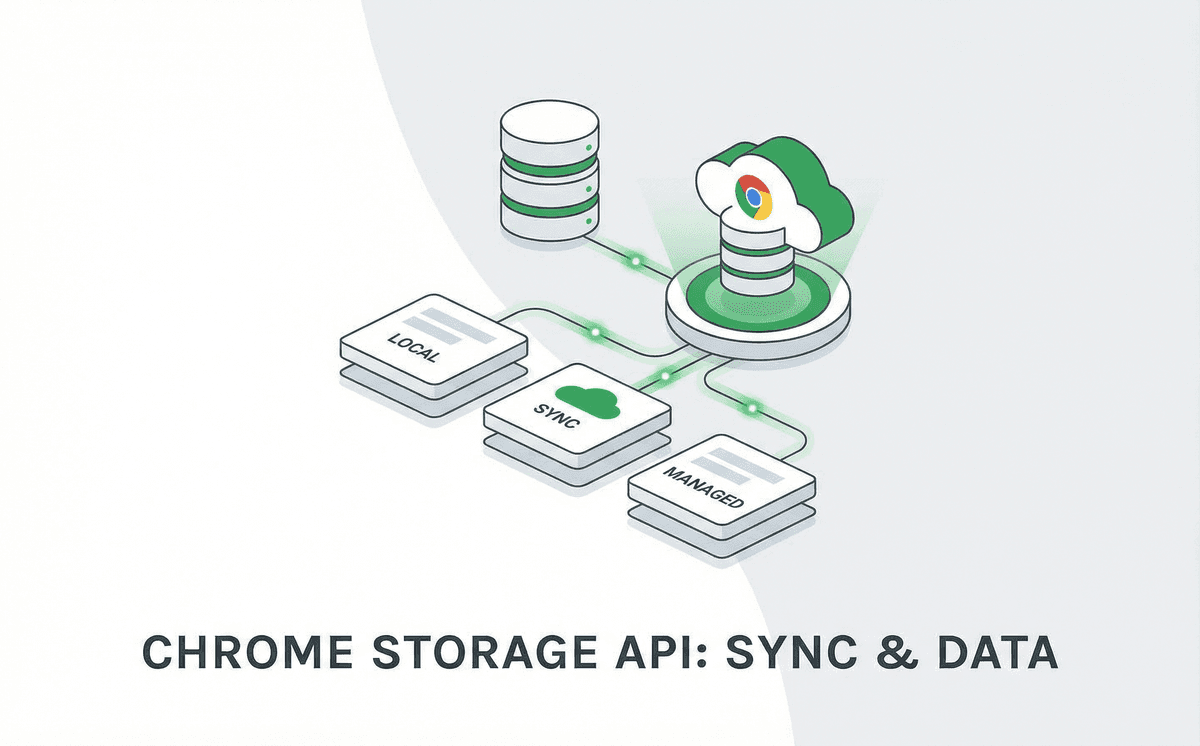
Chrome storage APIs: sync, local, and session—when to use what
How to choose and use chrome.storage effectively for settings, cache, and cross-device sync in your extension.
Chrome extensions get three storage APIs: chrome.storage.sync, chrome.storage.local, and chrome.storage.session. Each has different limits, lifetime, and use cases. Picking the right one (or combination) keeps your extension fast, compliant, and user-friendly. Here’s how we choose and use them in practice.
chrome.storage.sync — for settings that follow the user
Sync storage is replicated across devices where the user is signed into Chrome. It’s ideal for preferences, API keys (if you’re okay with them being synced), and small config. The quota is 100 KB total and 8 KB per item. Keys and values must be JSON-serializable. Use it for anything the user would expect to see on every device.
- User preferences (theme, shortcuts, toggles).
- Small credentials or tokens if syncing is acceptable.
- Avoid large or frequently changing data—quota is limited.
chrome.storage.local — for cache and larger data
Local storage stays on one machine. Quota is much larger (typically 5 MB unless you request unlimitedStorage). Use it for caches, draft content, or anything that doesn’t need to sync. It survives browser restarts, so it’s a good place for data that should persist but isn’t user config.
- API response caches, computed data.
- Drafts or temporary content.
- Larger blobs (e.g. base64 images) if needed.
chrome.storage.session — for in-session only
Session storage is in-memory and cleared when the browser (or the extension’s session) ends. Use it for temporary state: current tab context, in-progress flows, or anything you don’t want to persist. It doesn’t count against the 5 MB local quota, so it’s great for short-lived but potentially large data.
Ready to build?
Talk to BrowseRocket about custom Chrome extension development or AI browser automation.
Book a free consultation